CheckoutSeal
E-skimming detection for payment pages
In developmentThe product exists and is being built. It is not open yet, and no date has been announced.
What this product does not do
- Block a script. It watches and reports, and never removes anything from the page.
- Watch pages outside checkout. Only the payment pages you declare are covered.
- See inside frames. Whatever runs in an iframe, hosted card fields included, is not observed.
- Guarantee compliance. It supplies the evidence, and the assessor reaches the conclusion.
The facts
CheckoutSeal monitors the third-party scripts on a payment page and gathers the evidence required by PCI DSS 6.4.3 and 11.6.1.
- Platforms
- Web
- Pricing
- Subscription
- Audience
- Merchants and agencies who control a payment page and must show that it meets PCI DSS requirements 6.4.3 and 11.6.1.
- Data
- No advertising
- Support
- contact@mohmak.com
- Response time
- 2 business days
What you will be able to check
- Every screen is documented in public.
- Once it opens, the documentation on checkoutseal.com describes every screen of the product, with no account and no purchase.
- The service publishes its status.
- Once it opens, checkoutseal.com/api/health answers any browser, with no account, and answers “ok” only when the service and its database are responding.
- The evidence pack is yours.
- From your account, you export the evidence pack on screen or as a PDF, without going through us.
The product on screen
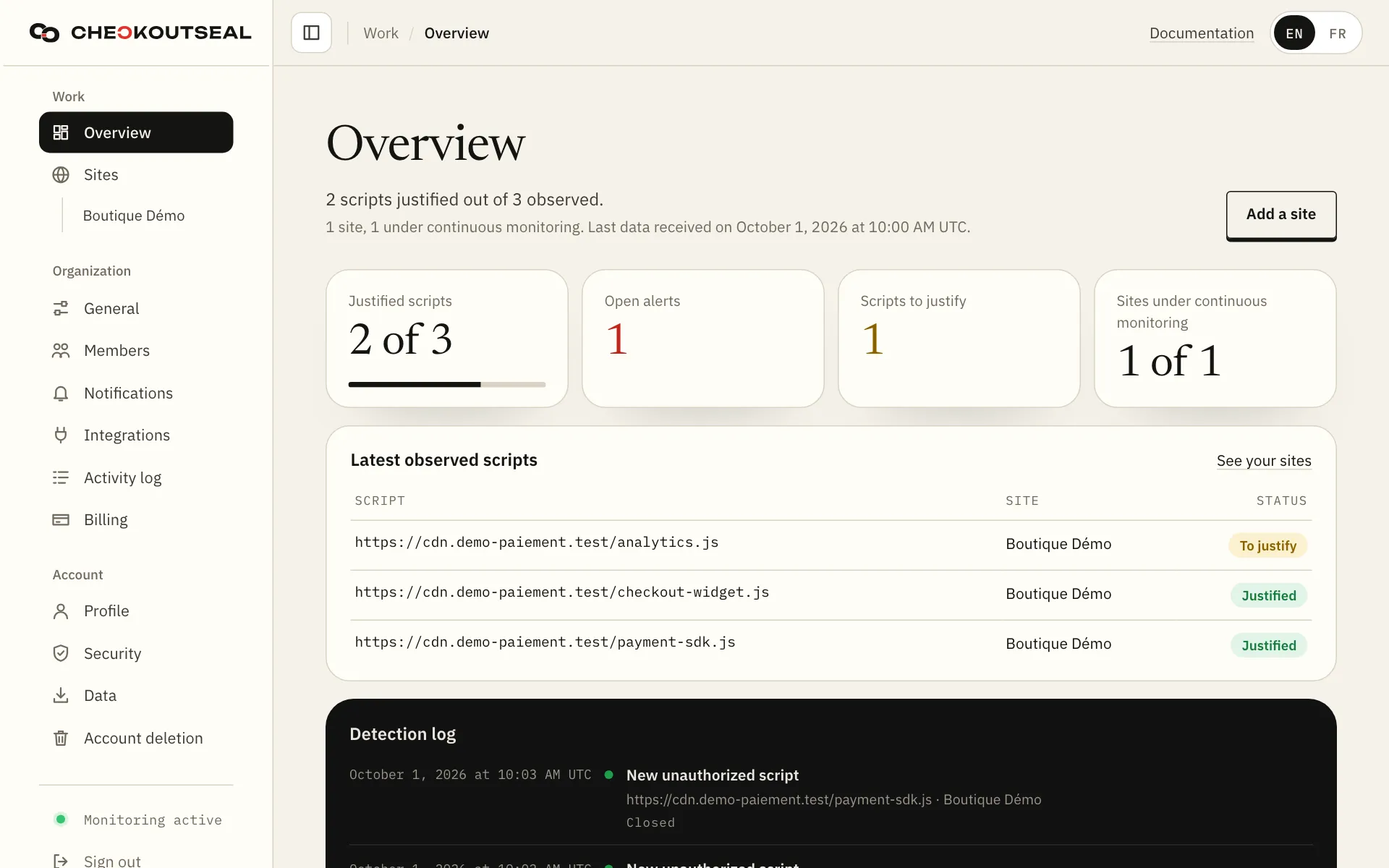
The overview of an account, on a computer. The site, scripts and alert shown are demonstration data. 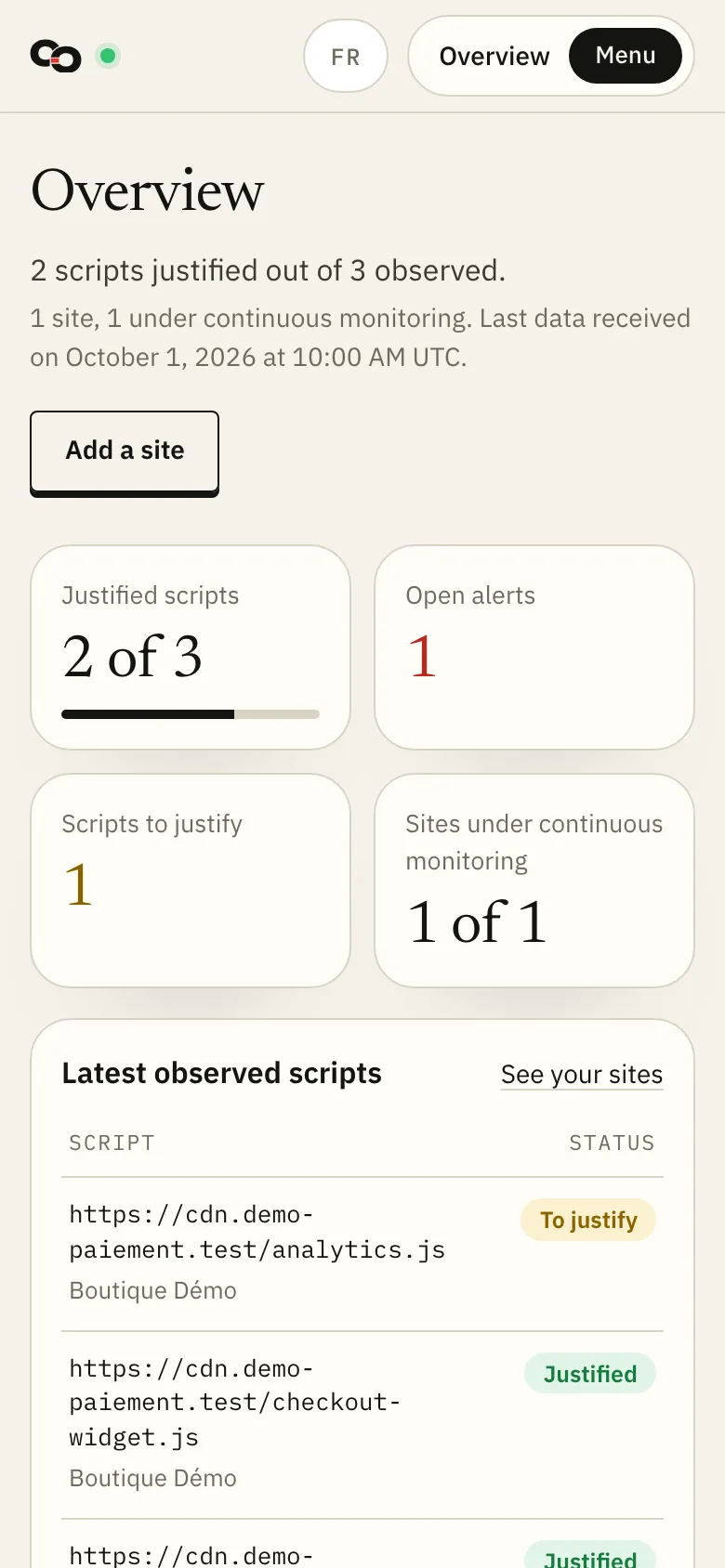
The same view on a phone. 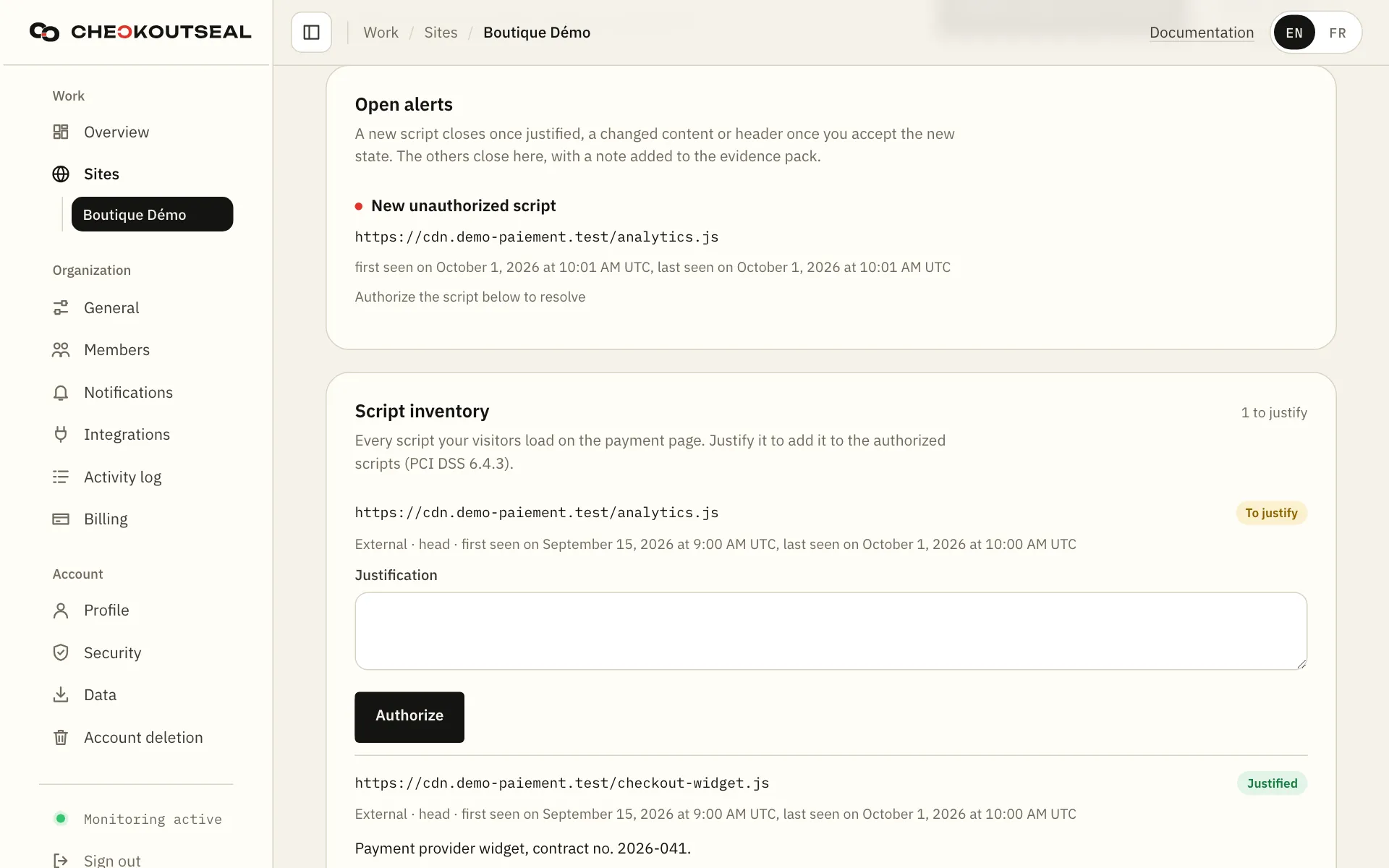
An open alert, with the unauthorized script, when it was seen and the action that resolves it. 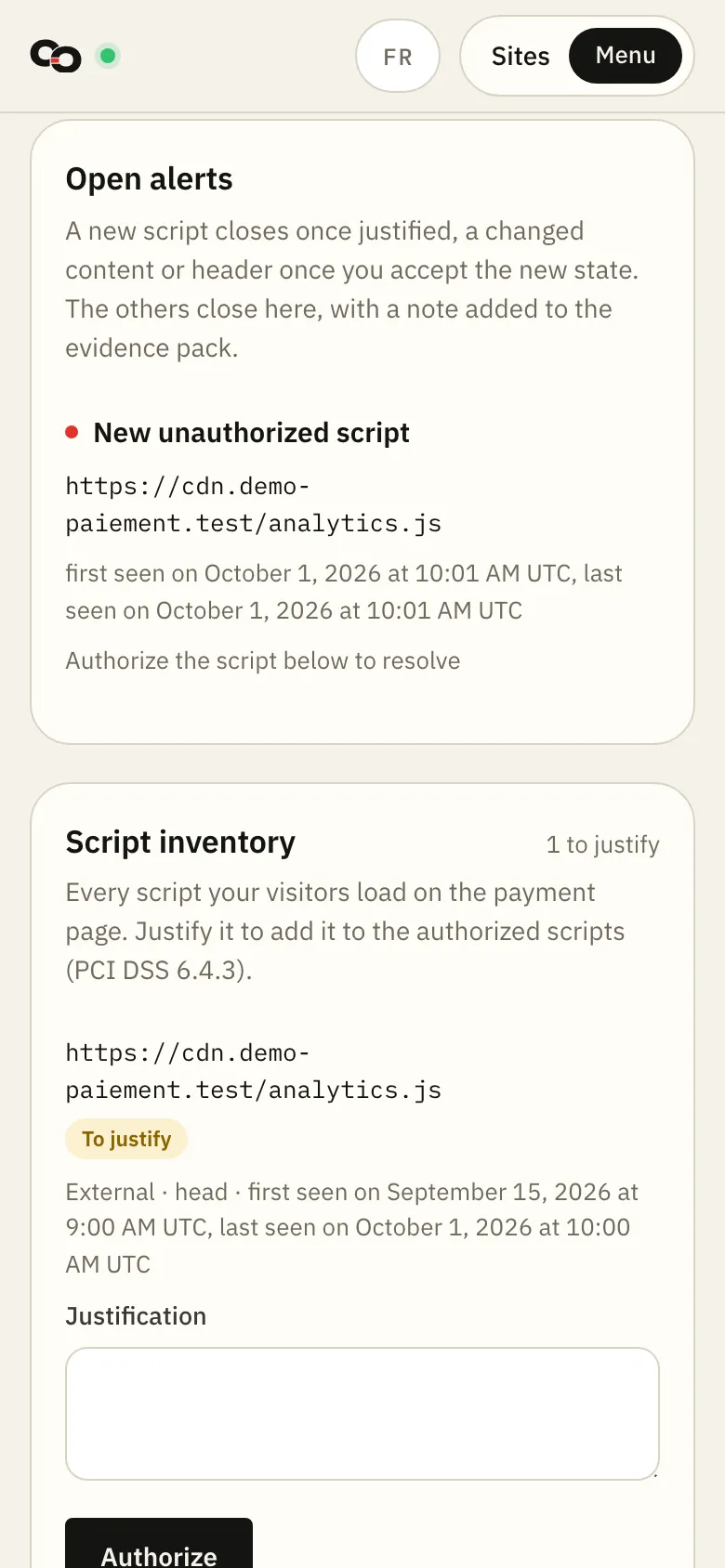
The same alert on a phone. 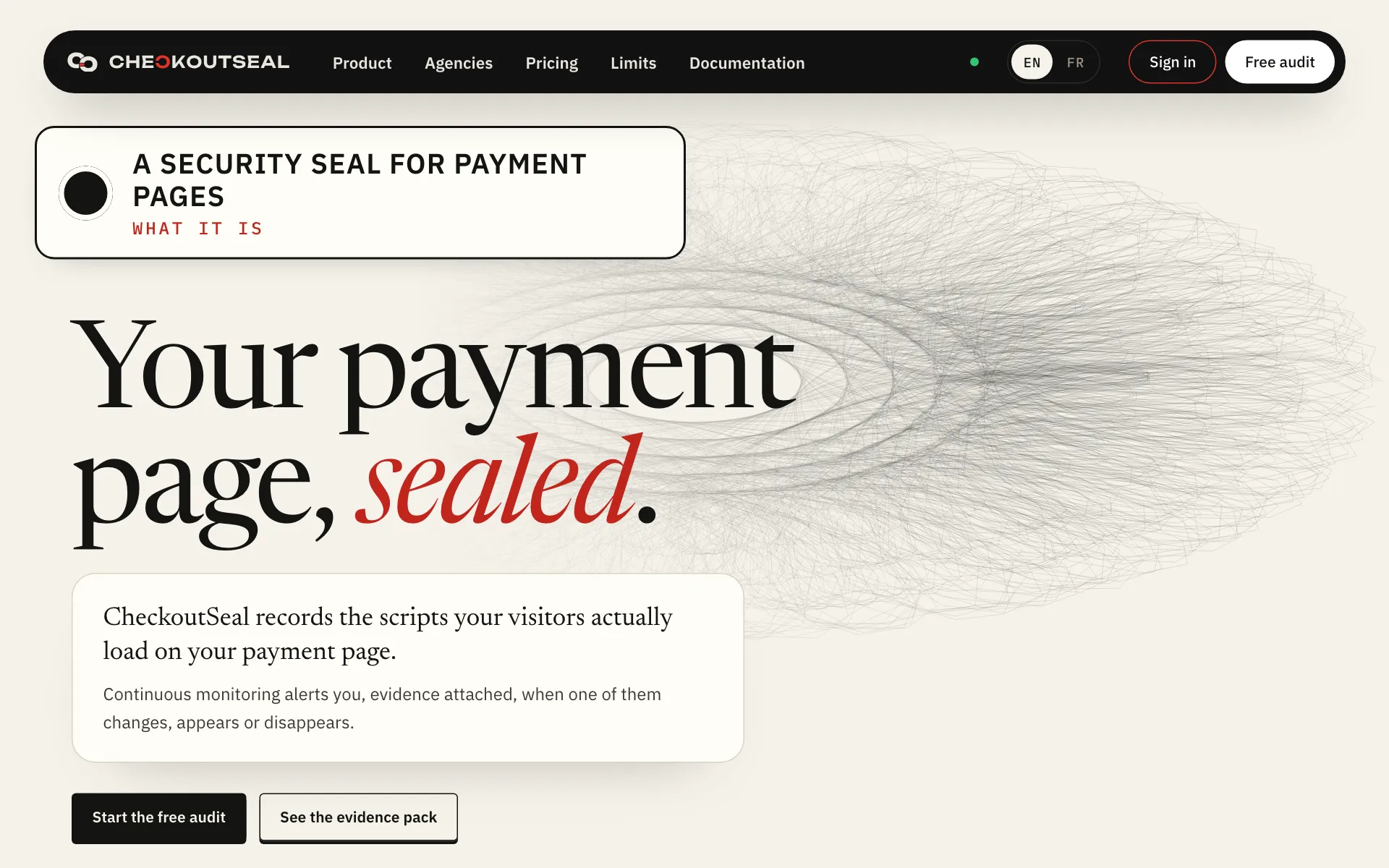
The home page of the CheckoutSeal website, on a computer. 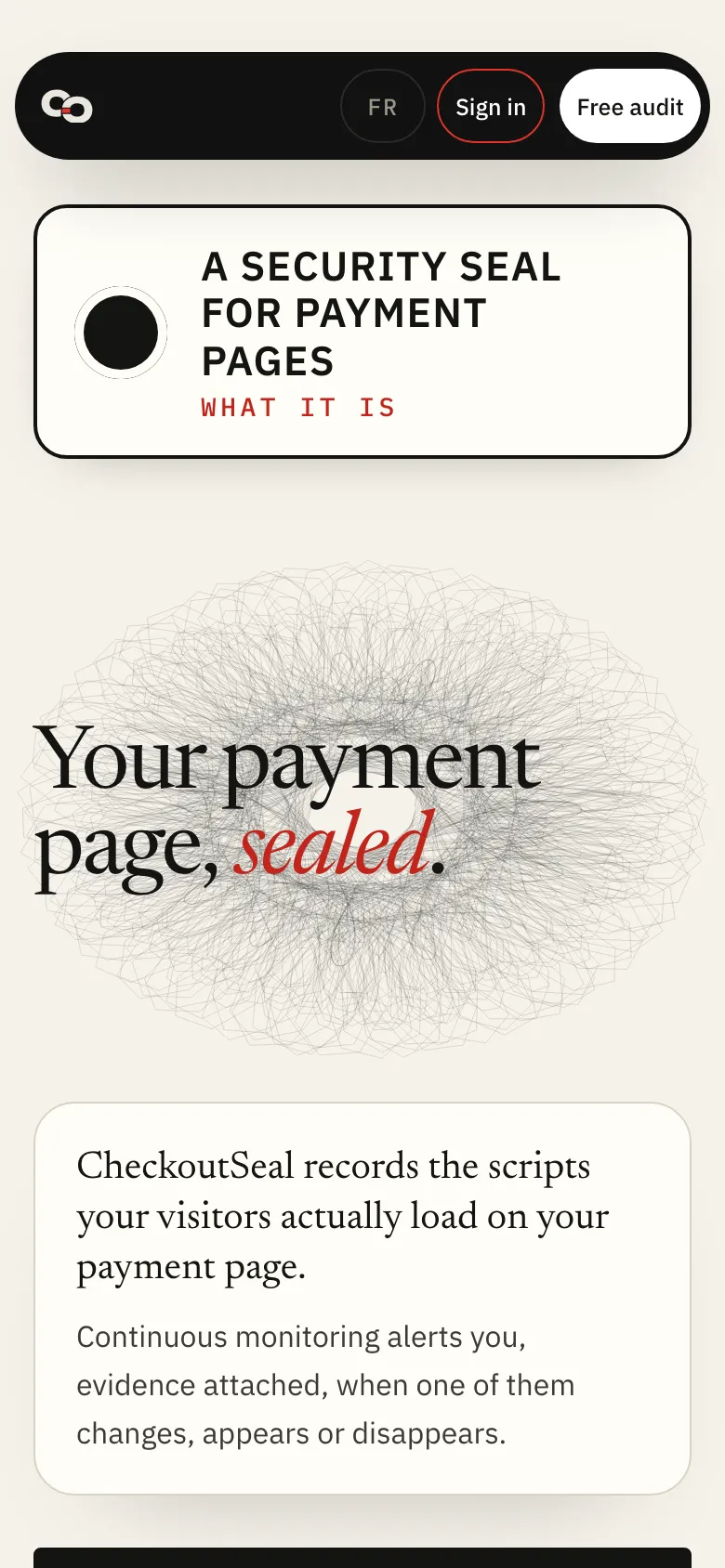
The same page on a phone.
A payment page can change without anyone noticing at the time. CheckoutSeal shows which scripts the page loads and which authorisations cover them. Changes are recorded in real visitors’ browsers as the page loads.
What the product does
- Catalogue the scripts loaded by the payment page, including those that appear and disappear.
- Keep a record of authorised scripts, each with its justification, its date and who approved it.
- Detect deviations continuously and date each one.
- Assemble an evidence pack for the assessor, on screen or as a PDF.
- Install the tag without writing code, through the WooCommerce and PrestaShop modules.
- Group monitored sites by end client, in an agency workspace.
Its site, checkoutseal.com, will open with the product.
Revisions
- Screenshots of the dashboard and the alert added.
- Screenshots of the product added to the page.
Write to the publisher
We reply within two business days, and we read this inbox ourselves.
Write to contact@mohmak.com